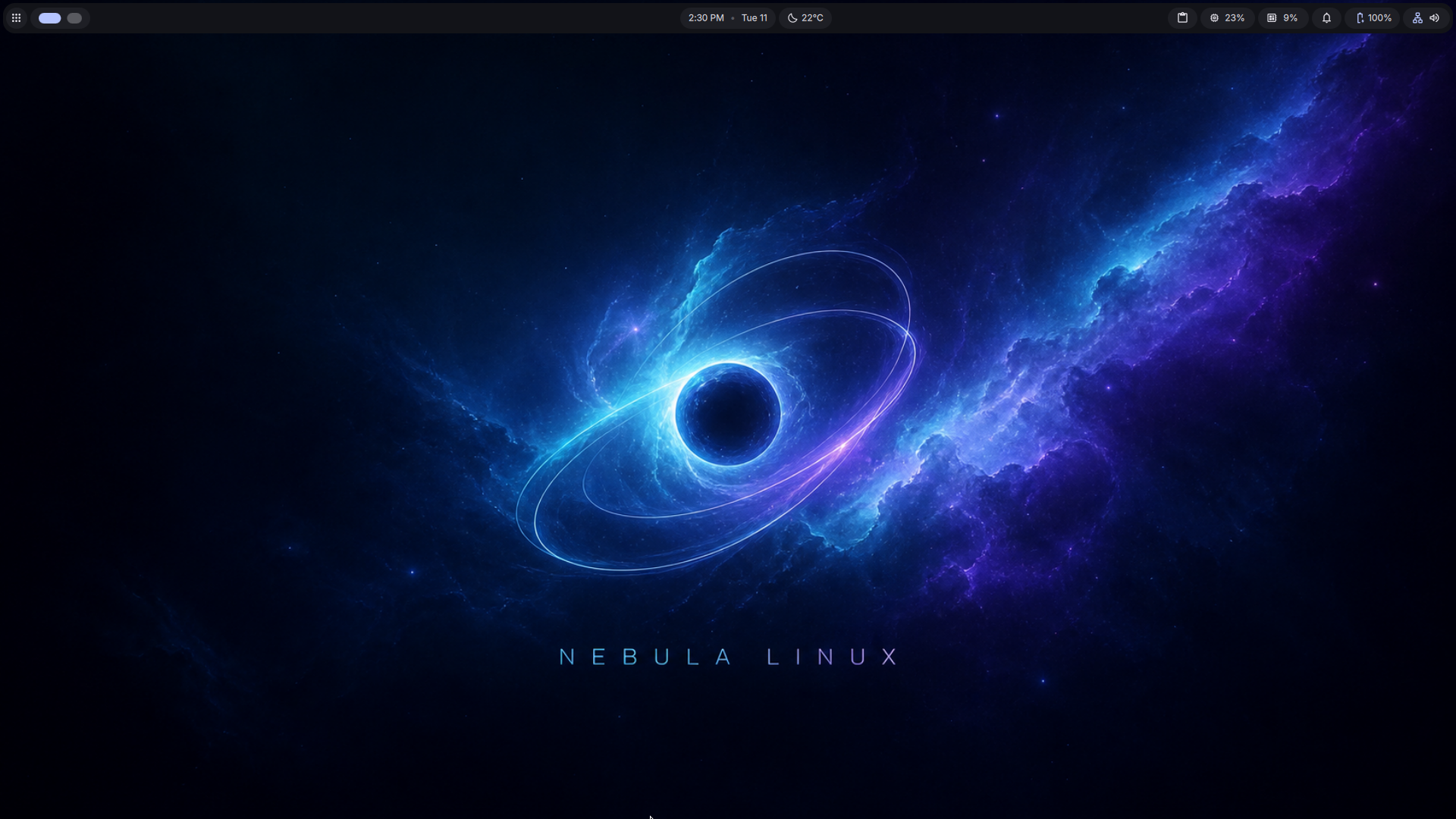
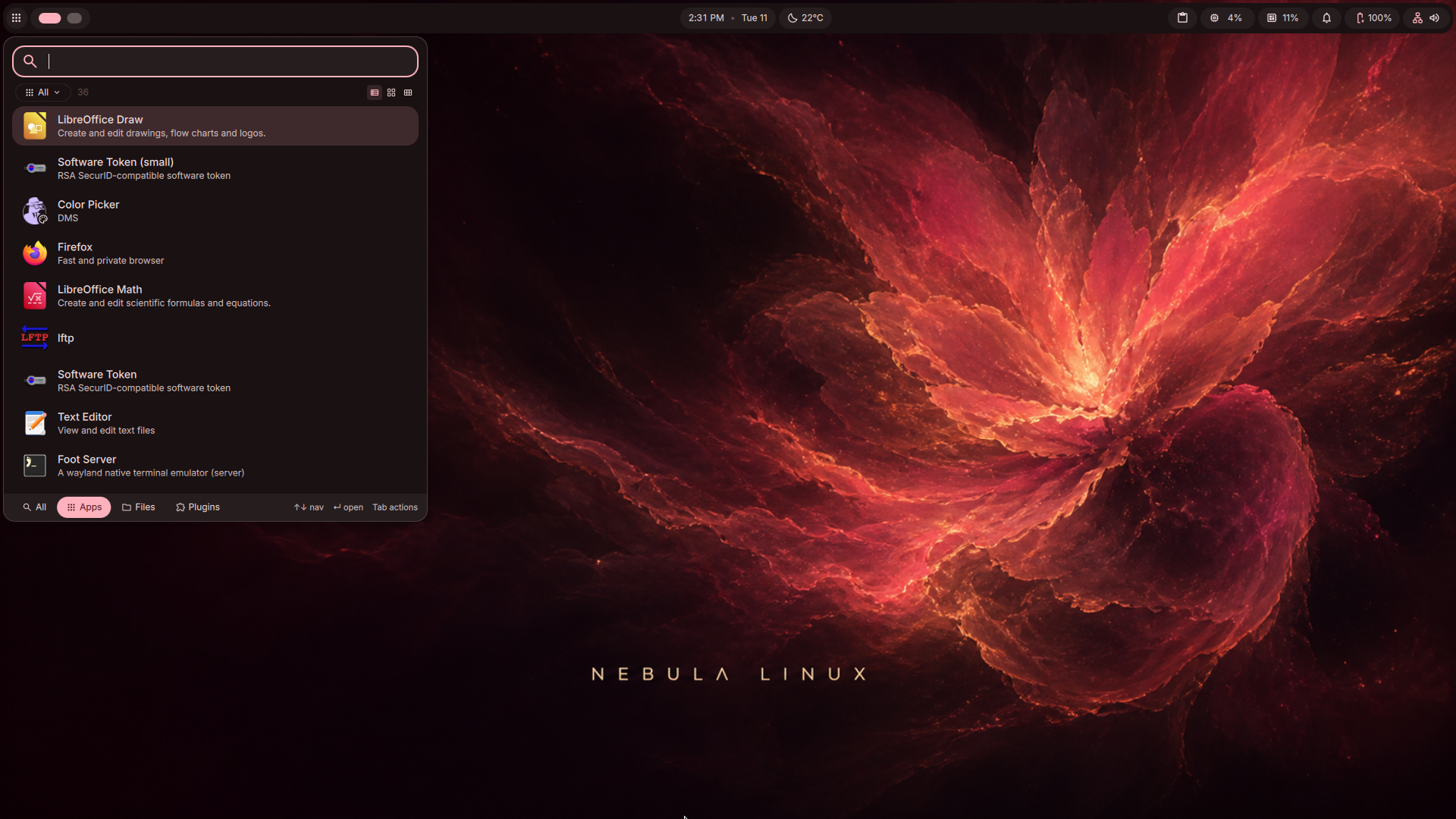
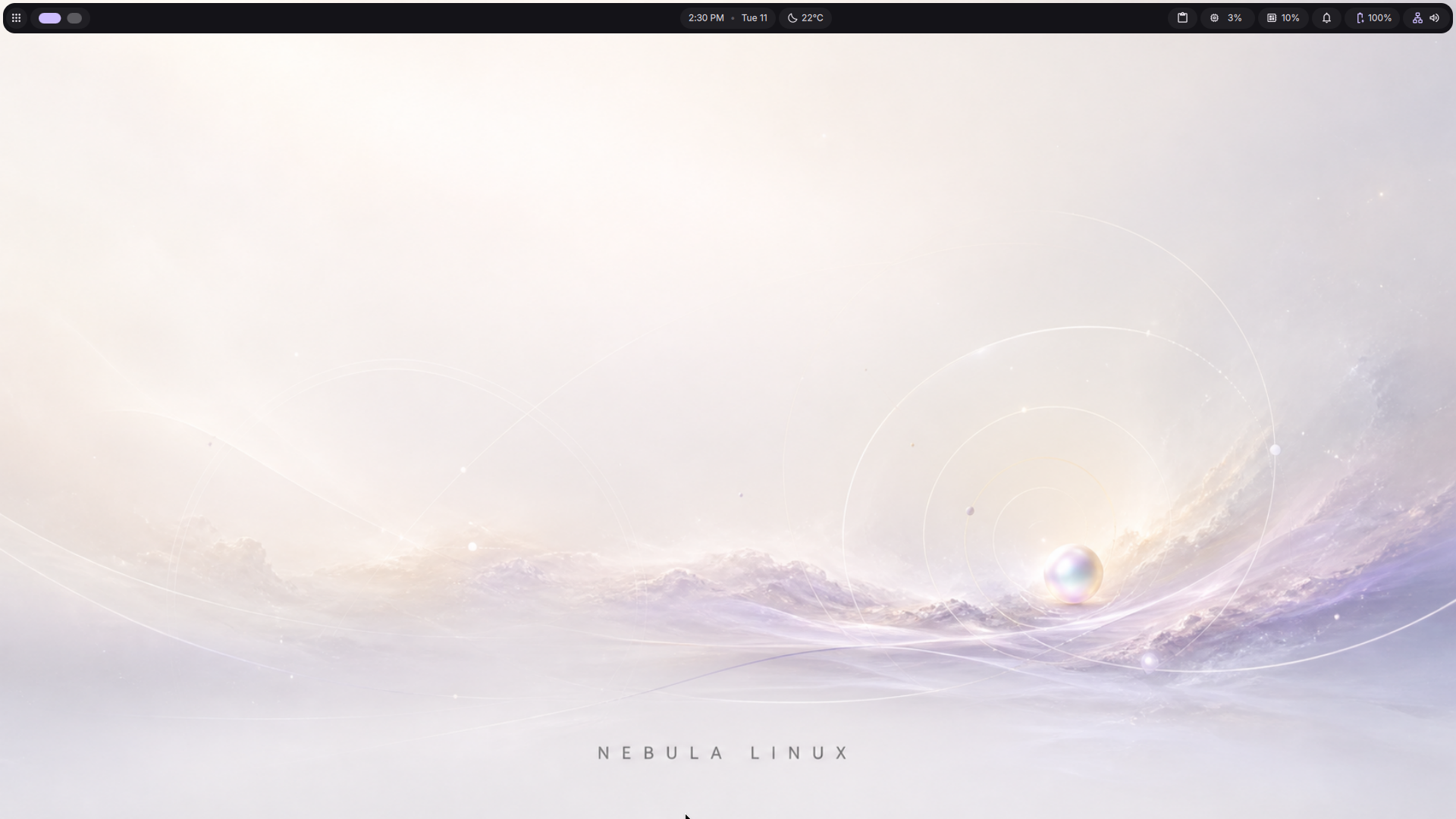
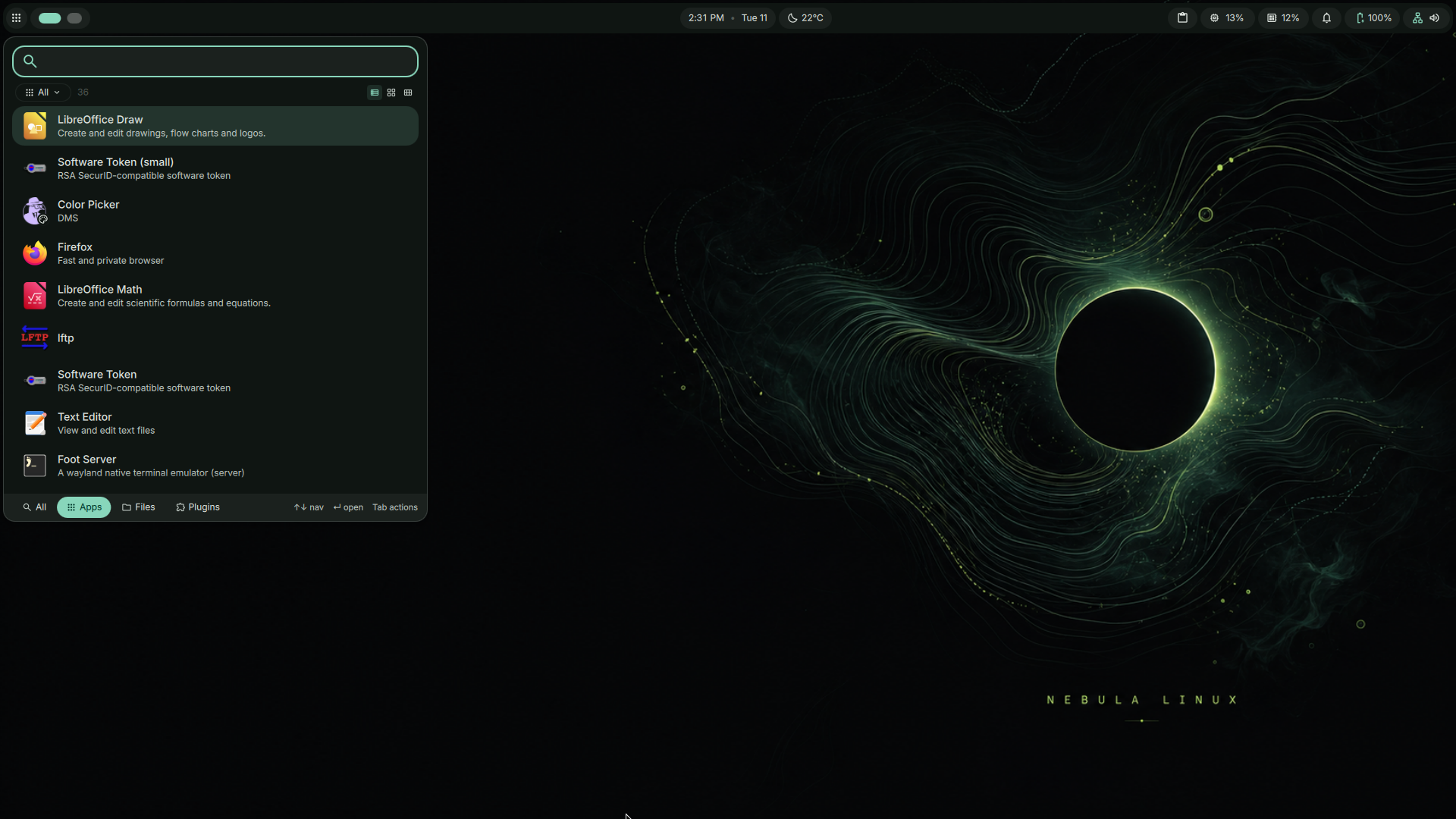
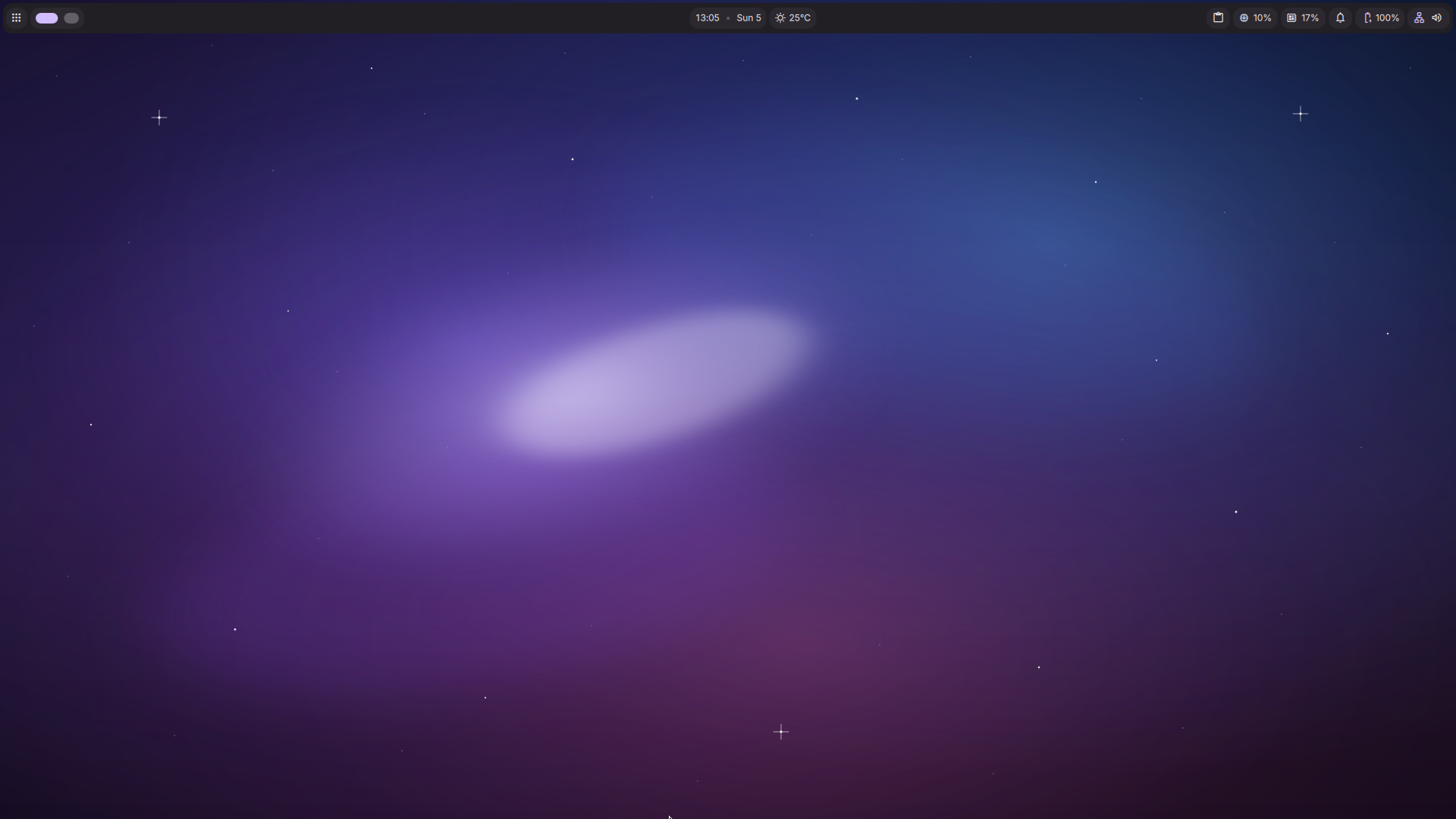
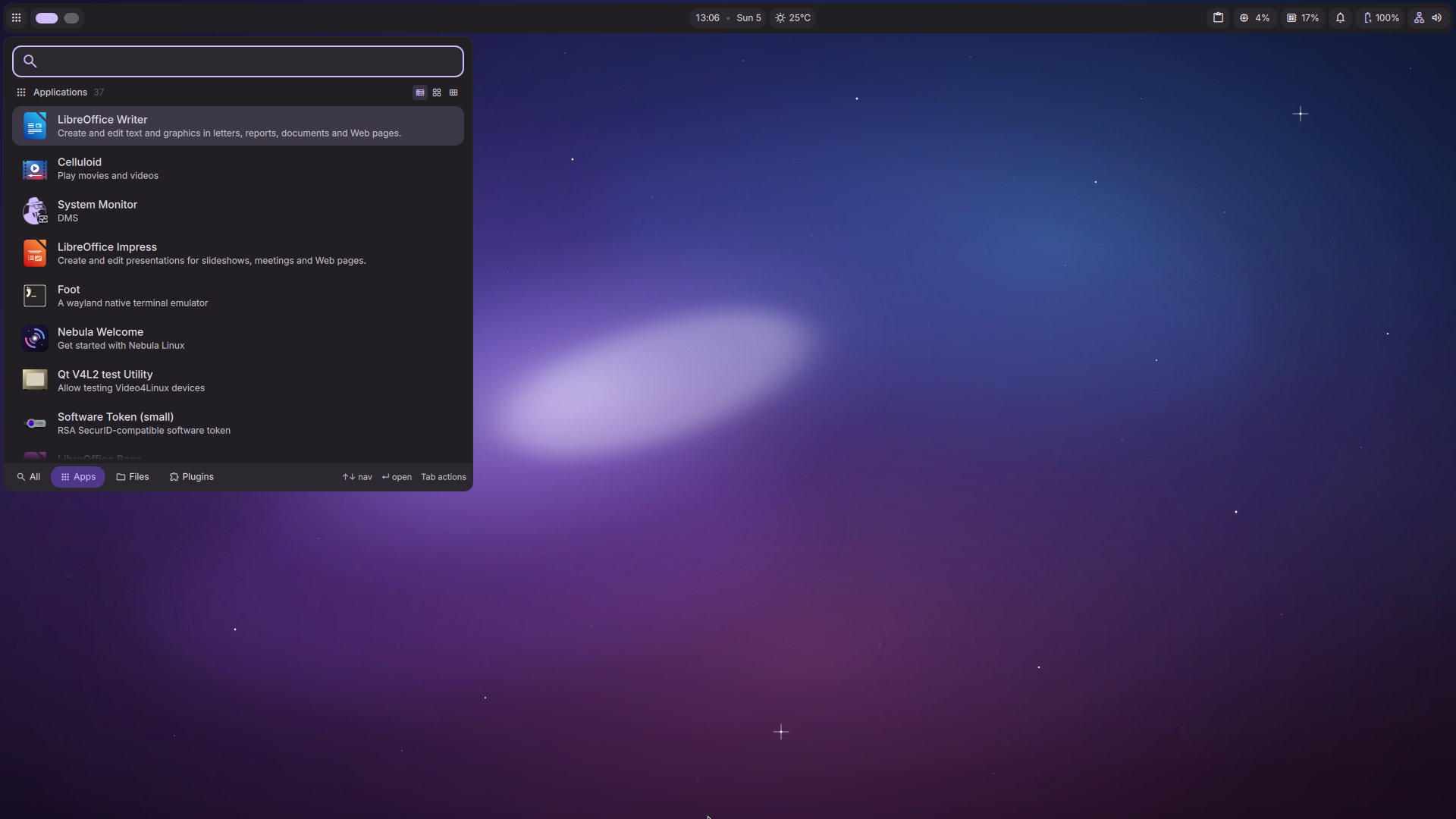
Fast, Minimalist, and Beautiful. Arch Linux with the Dank Linux Material desktop — DankMaterialShell on the niri compositor, themed live from your wallpaper.
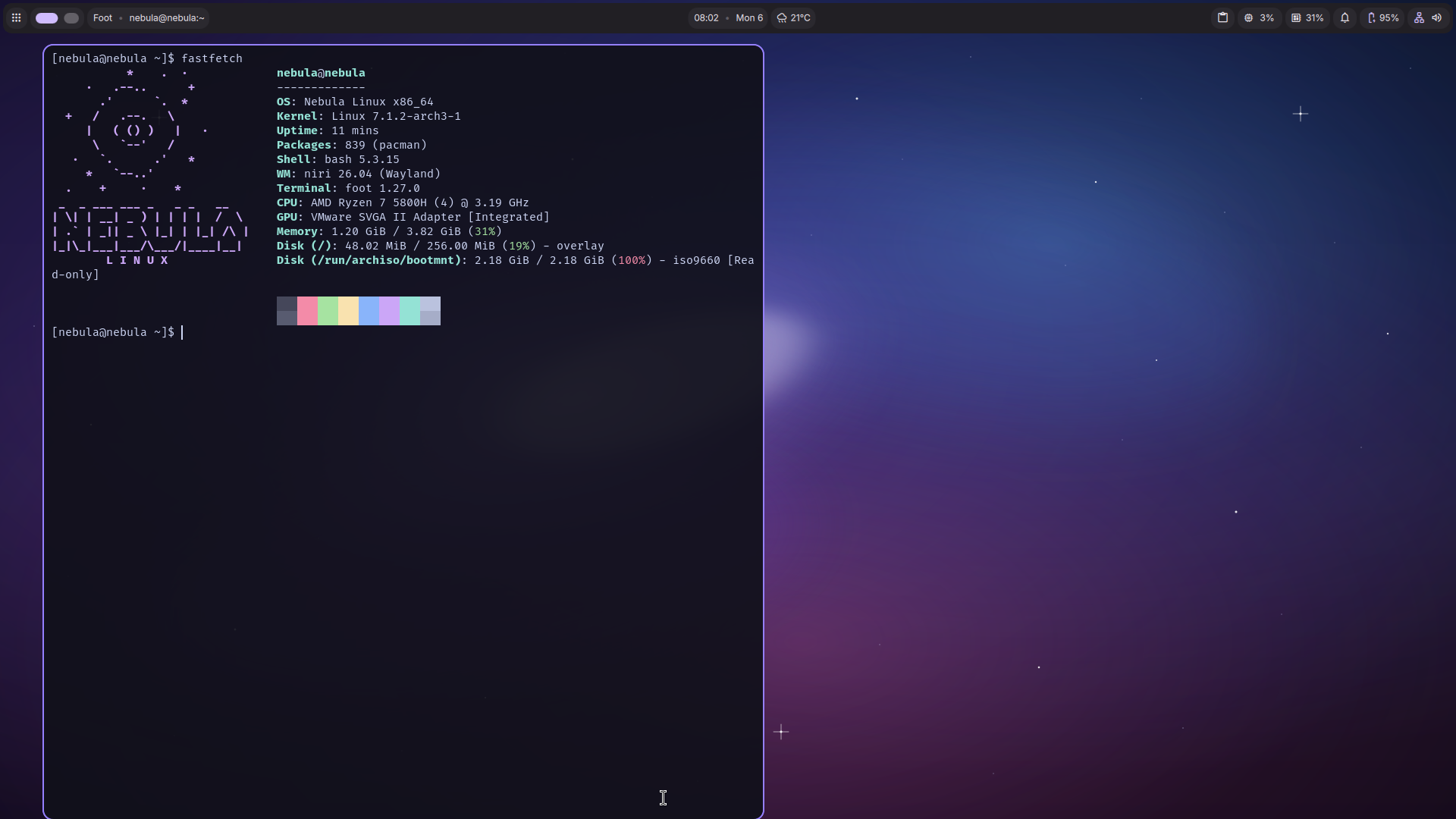
Released August 11, 2026. The headline fix: wallpapers now retune the entire desktop automatically — bar, launcher, notifications, lock screen, GTK/Qt apps, terminals — no manual toggle required.
Material color mode now defaults to Auto instead of a fixed palette. Pick a wallpaper — matugen derives and applies the whole desktop's colors instantly.
Dedicated ext4 /boot partition, fixed bootloader install, and a fixed graphical login screen that no longer hangs on first boot.
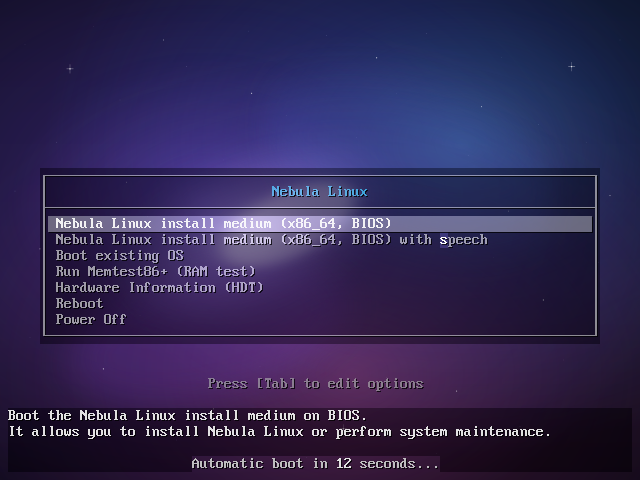
Animated boot splash and a redesigned, overlap-free GRUB menu — branded from power-on to desktop.
Legacy BIOS boot isn't supported this release (confirmed GRUB bug). The installer detects and warns before you proceed.
Material You. Bleeding edge. Unbreakable.
nebula CLI
Change your wallpaper and the entire desktop — bar, launcher, notifications, lock screen, even GTK and Qt apps — recolors itself instantly with a matugen-generated Material 3 palette.
DankMaterialShell adds automatic frosted-glass blur behind your windows on niri — the desktop underneath diffuses through, giving the whole shell a proper Material depth.
Ships with Cosmic Blue, Stellar Ember, Aurora Light and Void Green, with Auto (wallpaper-derived) color mode on by default. Switch with nebula wallpaper set <name> — matugen retunes the whole desktop instantly, no toggle needed.
Boot animation with an orbiting singularity replaces the console text scroll. Silent boot with quiet splash is wired in automatically on install.
nebula bugreport --open gathers OS, kernel, GPU, DMS versions and failed services, then opens a pre-filled GitHub issue in your browser.
Installs on btrfs with snapper. Every update takes automatic before/after snapshots, and any older state is bootable straight from the GRUB menu. A rolling release you can't really break.
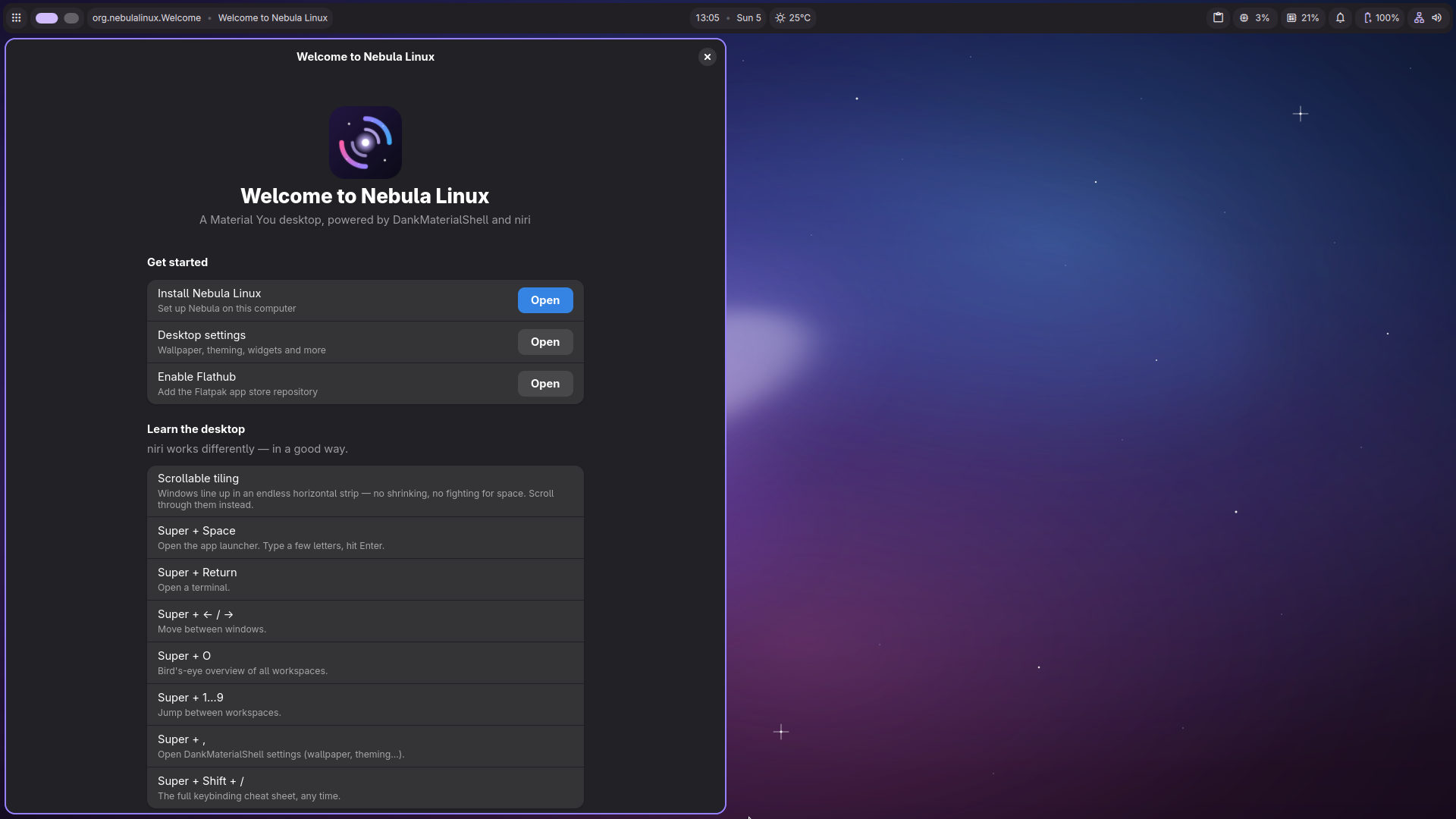
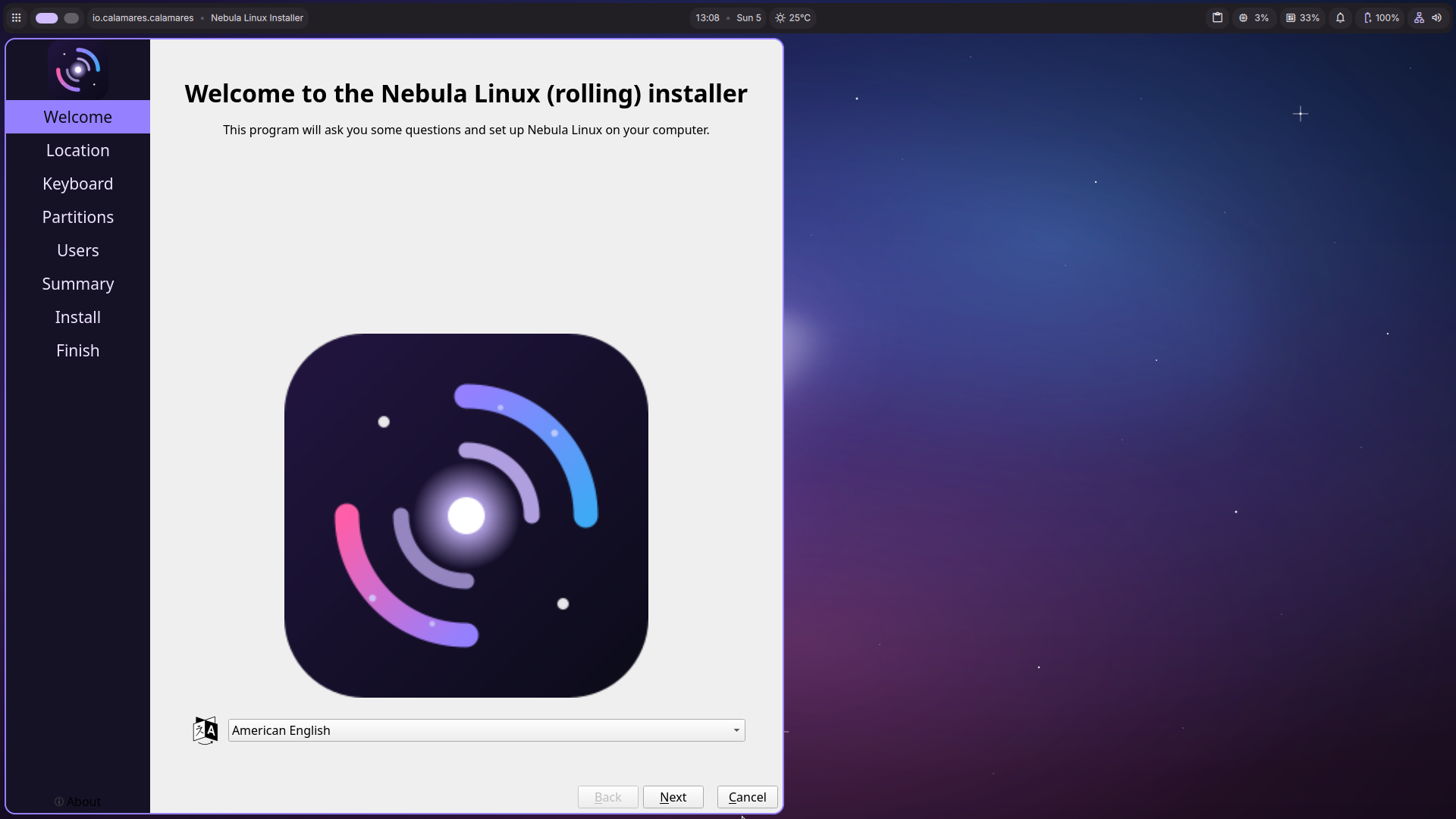
First boot greets you with a native onboarding app: install to disk, learn the niri workflow, enable Flathub, and grab app bundles for development, gaming or creative work.
nebula CLIOne command for system care: nebula update, nebula snapshots, nebula rollback, nebula drivers (with one-shot NVIDIA install) and nebula doctor.
Installed systems log in through the DankMaterialShell graphical greeter, and the lock screen carries your wallpaper, Material colors and avatar. Branded from power-on to desktop.
Guest tools for QEMU/KVM, VirtualBox and VMware start automatically when a hypervisor is detected — clipboard sharing and display resize just work. Great for trying before installing.
No theming homework. Nebula generates a full Material 3 palette from your wallpaper with matugen — bar, launcher, lock screen, apps, all retuned instantly.
Native Wayland, tuned animations, zram compressed memory, and zero bloat. Menus and windows snap open instantly.
Nebula Linux installs on btrfs with automatic snapshots before every update — if anything goes wrong, boot the previous state straight from the GRUB menu.
Fast, private web browsing.
VLC or Celluloid — plays everything out of the box.
Full suite for all your documents.
One-click installs for thousands of apps.
⚠️ Nebula Linux requires UEFI boot mode. Legacy BIOS boot is not supported in Beta 1.0 (a confirmed GRUB bug with our btrfs + snapshot-safe partition layout). The installer will warn you if it detects BIOS mode — enable UEFI in your firmware/VM settings first.
Core Debian Trixie base, Plasma 6 integration, Custom Themes, Initial Installer.
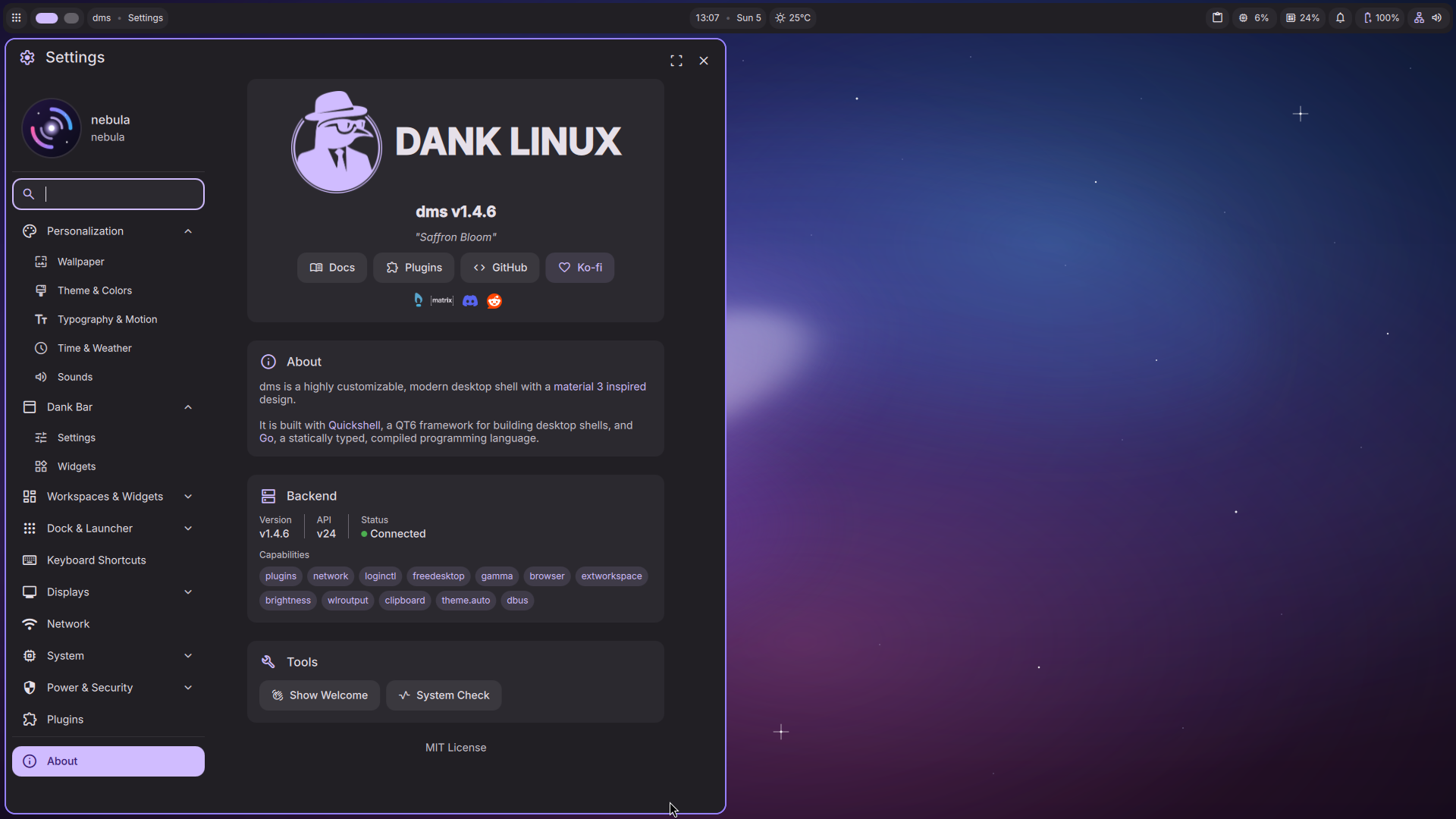
DankMaterialShell on niri, branded Calamares, btrfs snapshot rollback, Nebula Welcome, nebula CLI, VM guest support.
4 curated wallpaper themes, defaulting to Auto (wallpaper-derived) Material color mode — no manual toggle needed. Plymouth animated boot splash, redesigned overlap-free GRUB theme, nebula wallpaper and nebula bugreport CLI, wallpaper picker in Nebula Welcome, weekly auto-built ISOs via GitHub Actions.
Reliability: dedicated ext4 /boot partition for snapshot-safe booting, fixed graphical login crashing on every boot, fixed the full install→boot chain end to end.
⚠️ UEFI required — legacy BIOS boot isn't supported this release (confirmed GRUB bug); the installer detects and warns.
Own package repository (prebuilt AUR), custom Nebula icon pack, Hyprland flavor of the Dank Edition, Hardware Driver Manager UI, and investigating a fix for legacy BIOS boot support.
Final bug fixes, stable repository freeze, Official Public Launch.