⚠️ Note: Nebula Linux is currently in a very early stage of development (Alpha). Use with caution!
user@nebula:~
$  

The Linux Desktop,
Reimagined.

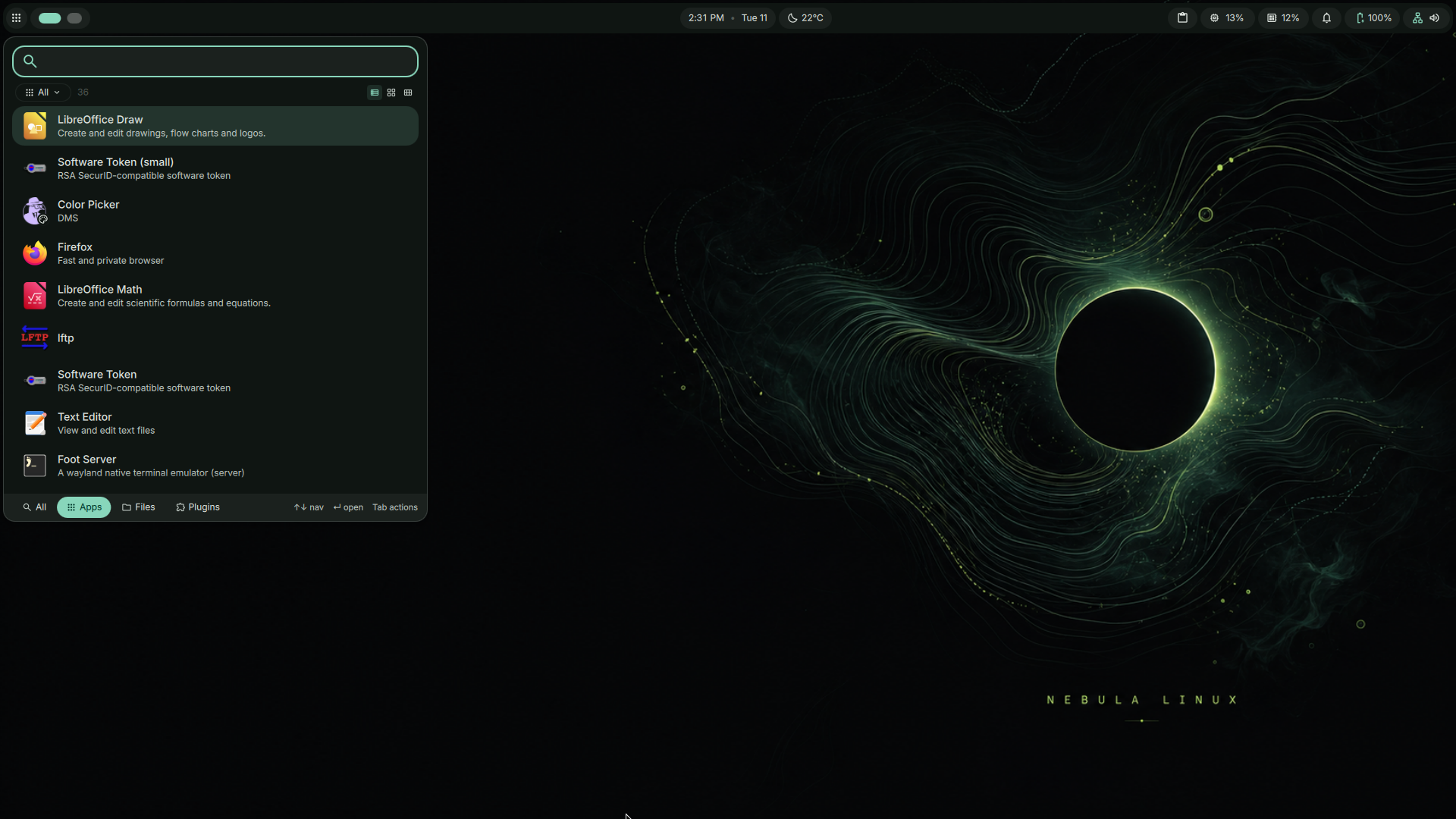
Fast, Minimalist, and Beautiful. Built on Debian Trixie and KDE Plasma 6 for the ultimate bleeding-edge experience.

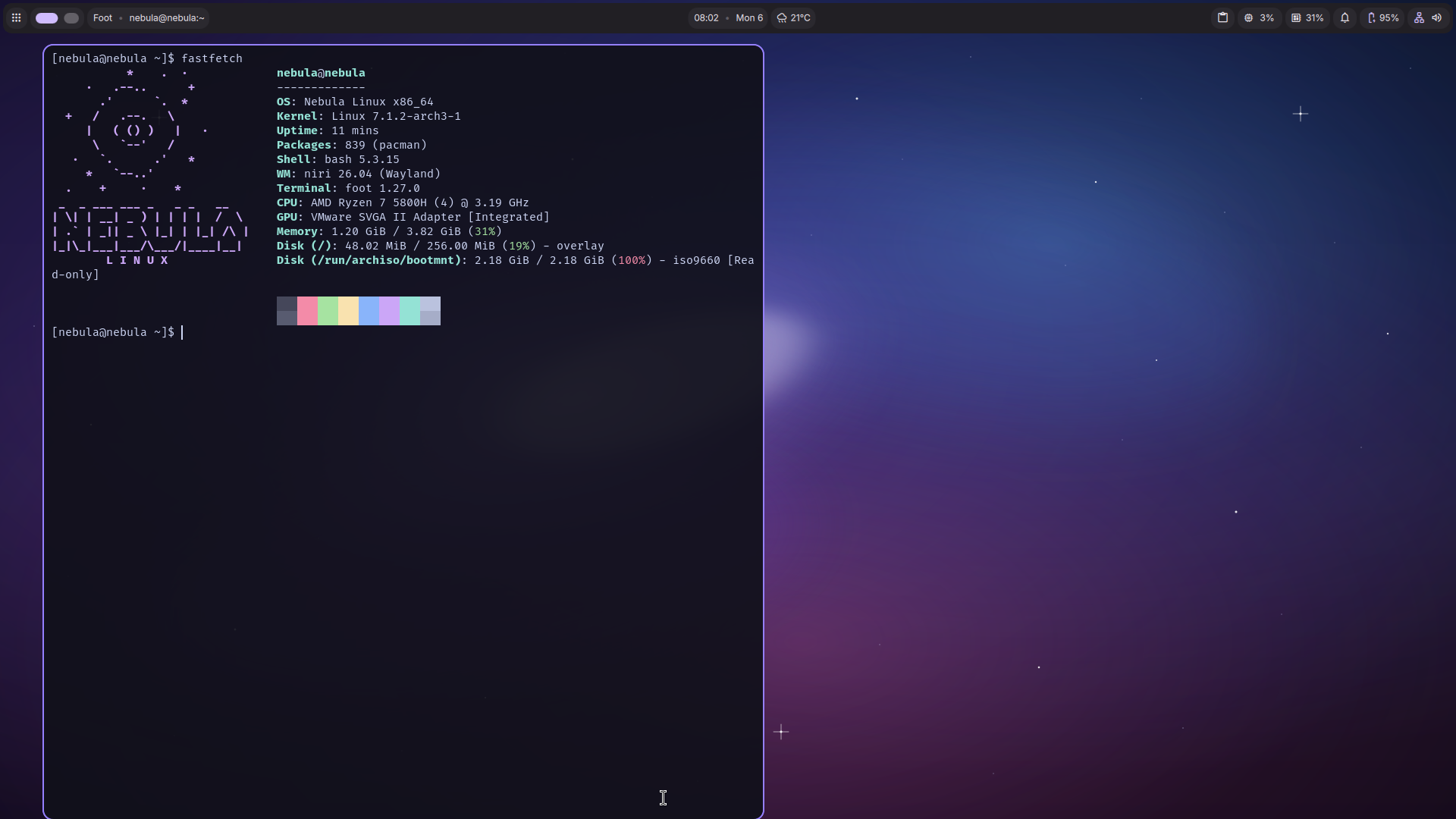
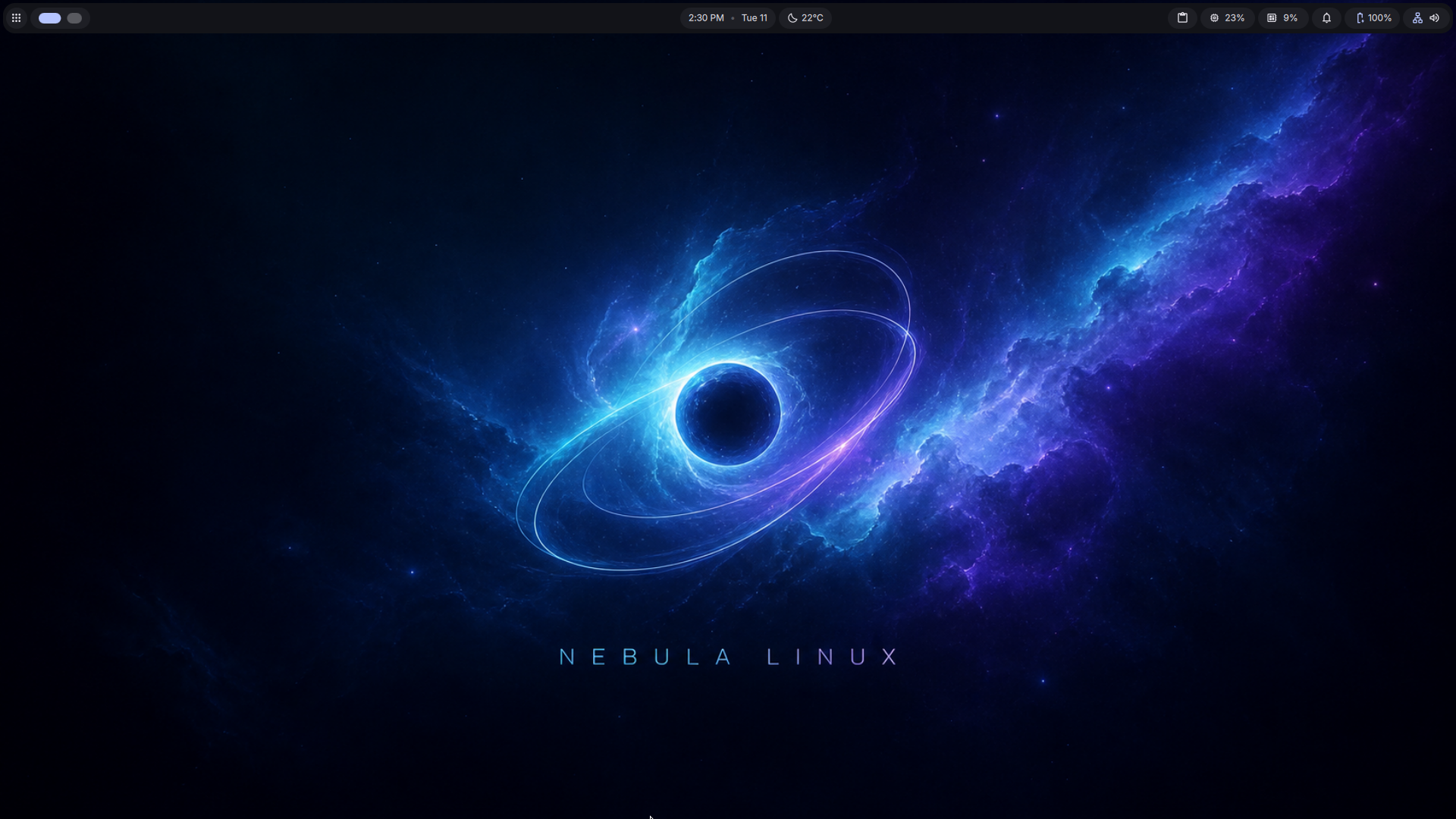
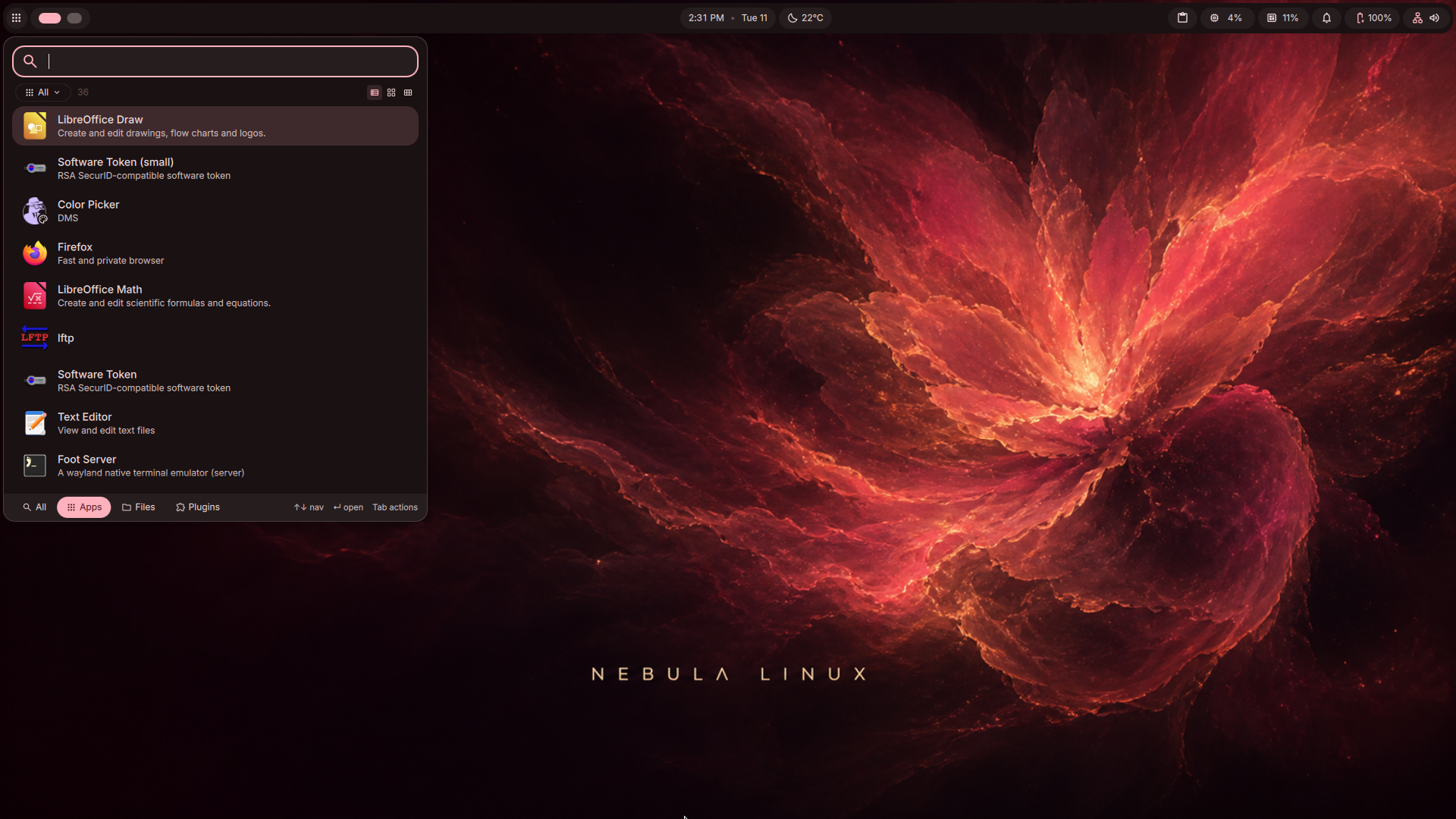
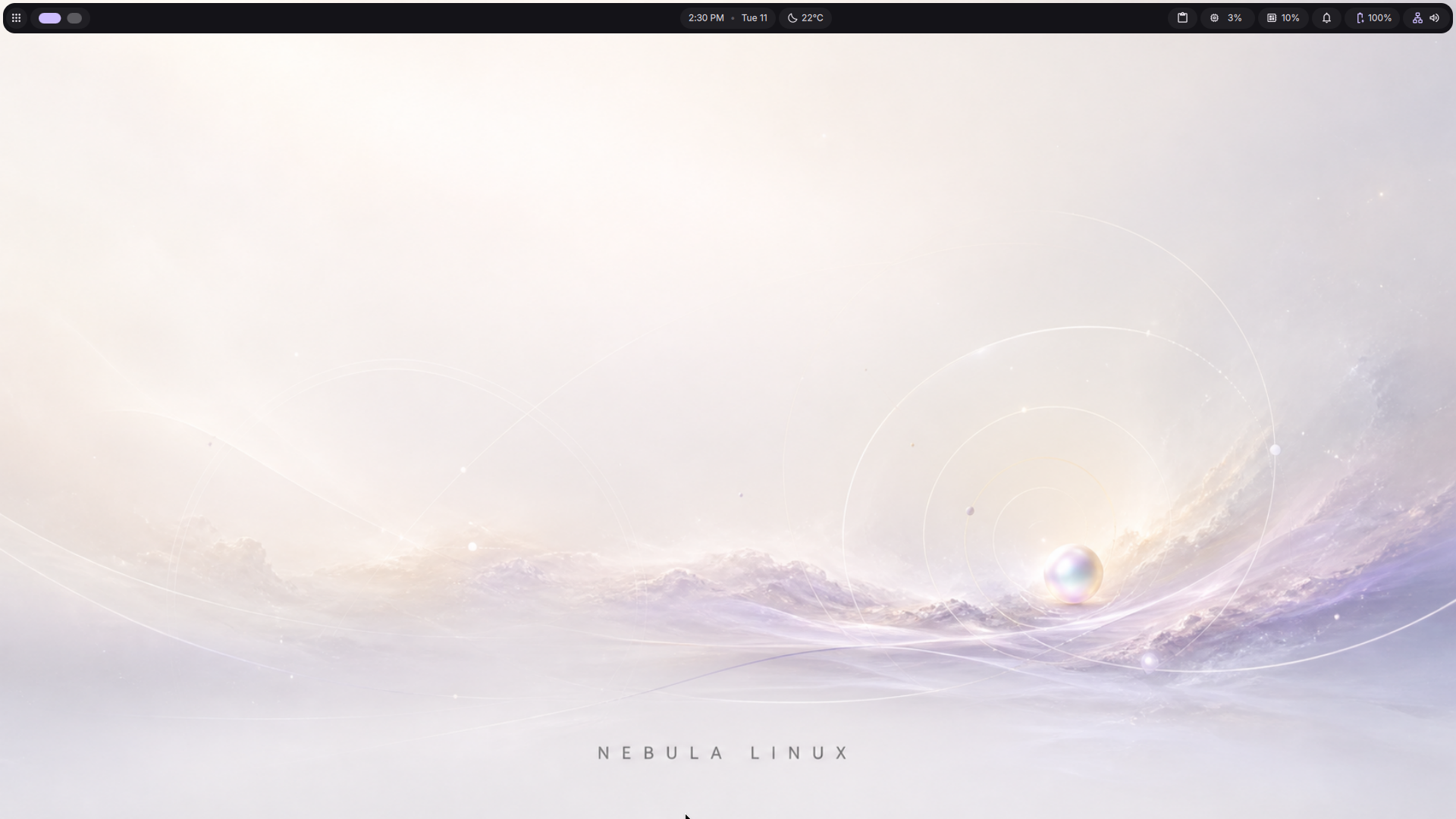
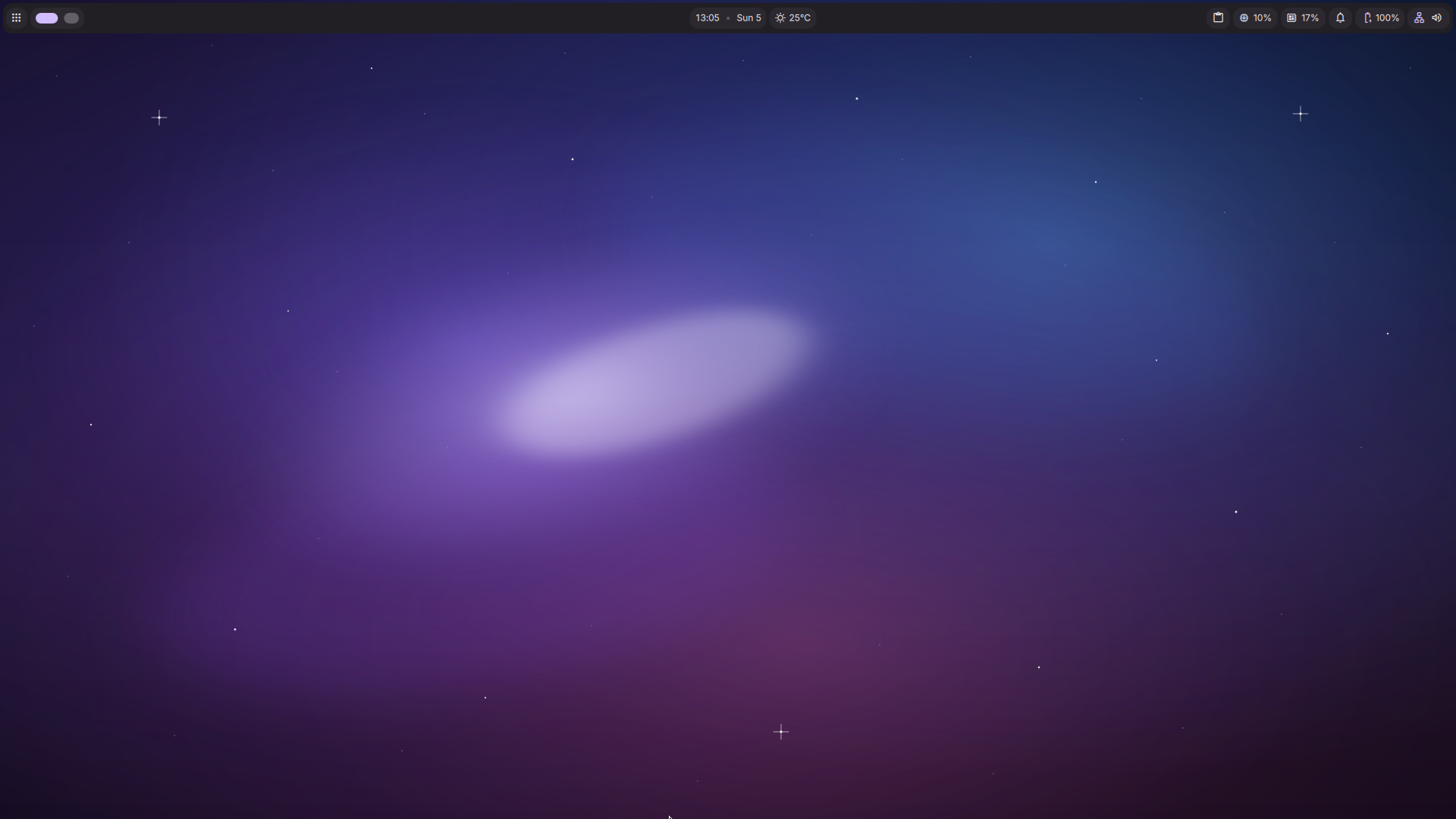
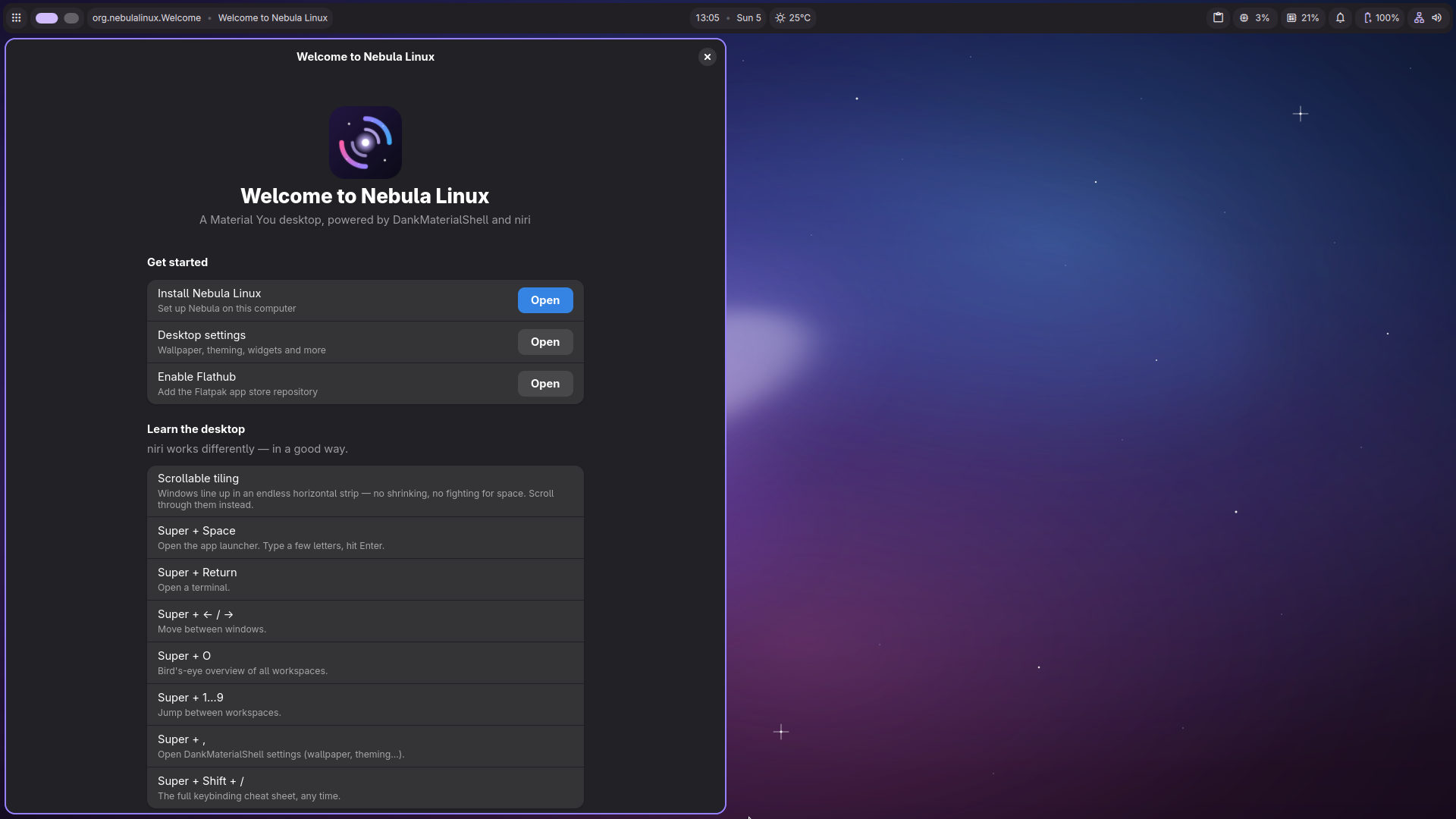
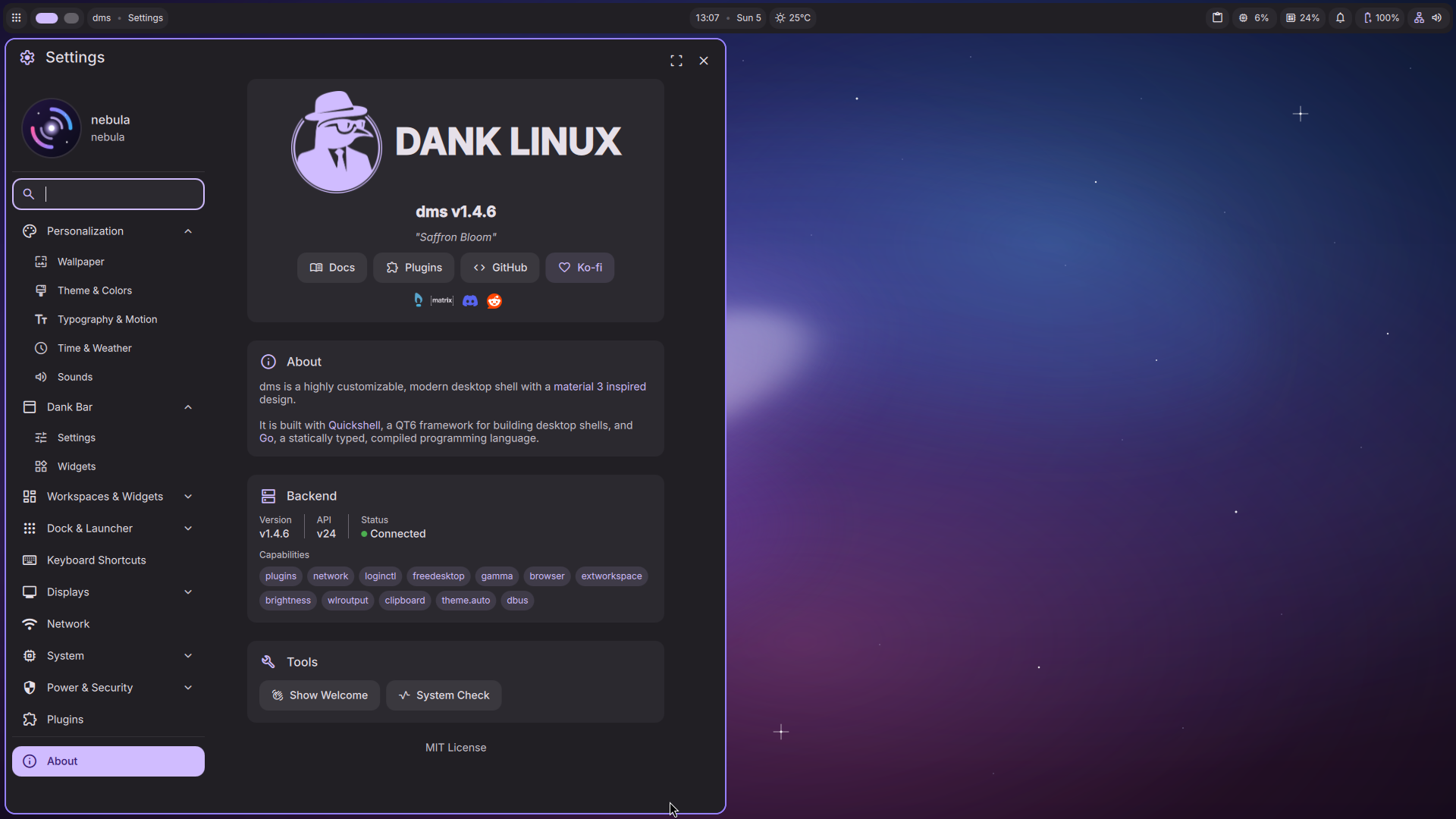
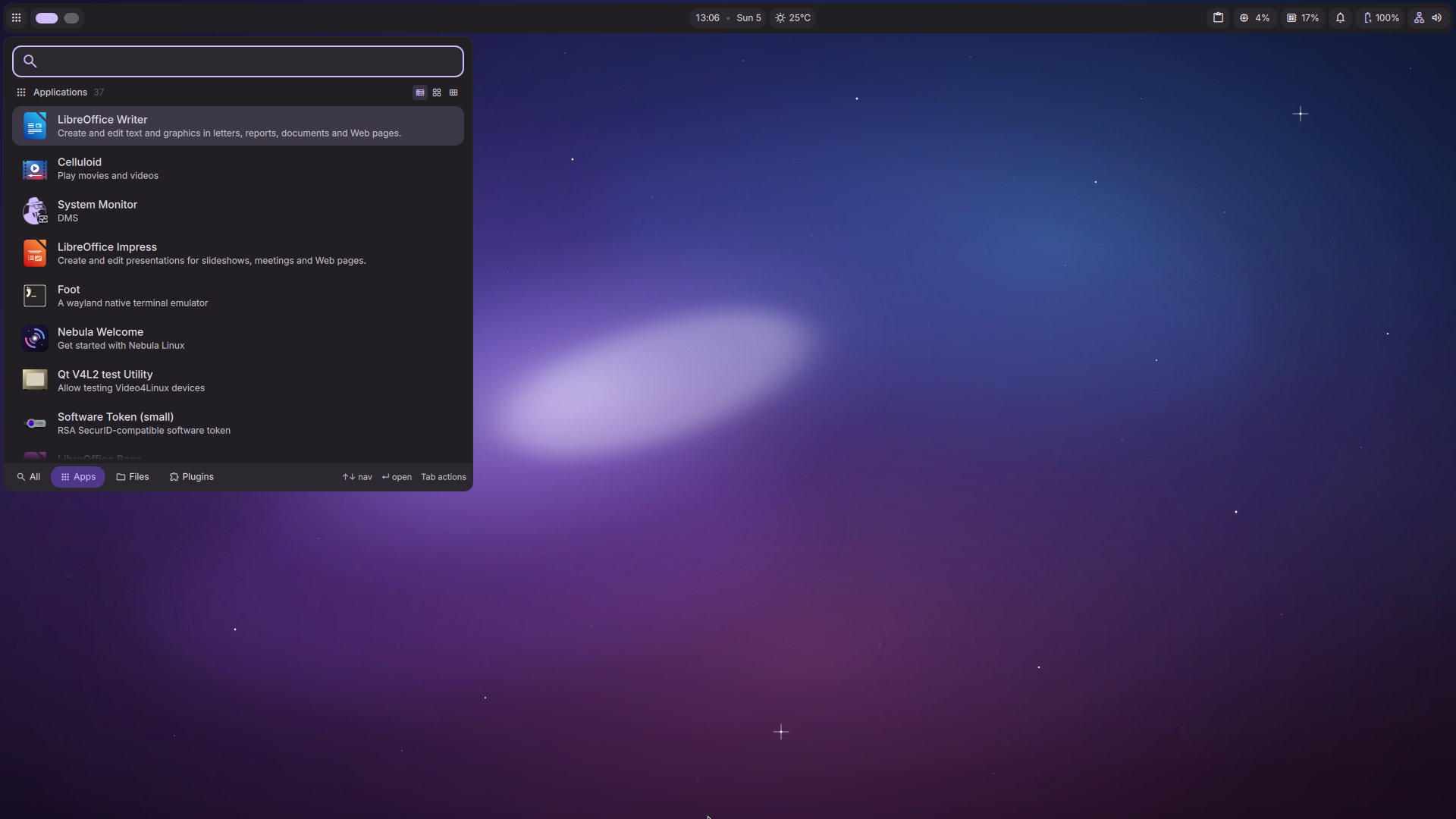
Nebula Linux Desktop

Why Nebula?

Plasma 6 Architecture

Built completely on the brand new Qt6 framework, providing native Wayland support and incredibly smooth multi-touch trackpad gestures.

Minimalist Design

We ditched the bloat. Ships exclusively with the ultra-flat Arc theme, dark modes, and deep space aesthetics out of the box.

Blazing Fast

All UI animations are custom-tuned to 0.5x speed. Menus and windows snap open instantly, making your computer feel twice as fast.

Everything You Need. Nothing You Don't.

🌐

Firefox

Fast, private web browsing.

🎬

VLC Media Player

Plays everything out of the box.

📝

LibreOffice

Full suite for all your documents.

📦

Flatpak Integration

One-click installs for thousands of apps.

Hardware Requirements

Minimum Specs

  • CPU: 64-bit Dual Core (2 GHz)
  • RAM: 2 GB
  • Storage: 25 GB free space
  • GPU: VGA capable of 1024x768

Development Roadmap

Alpha 1.0 (Current)

Core Debian Trixie base, Plasma 6 integration, Custom Themes, Initial Installer.

Beta 1.0

Native Bug Reporter, Hardware Driver Manager, Custom Nebula Icon Pack.

Release Candidate (1.0)

Final bug fixes, stable repository freeze, Official Public Launch.

Frequently Asked Questions

What is Nebula Linux based on?
Nebula Linux is built directly on top of the bleeding-edge Debian Testing branch ("Trixie"). This means you get the incredible stability of Debian, mixed with the absolute newest kernels and packages.
How do I install it?
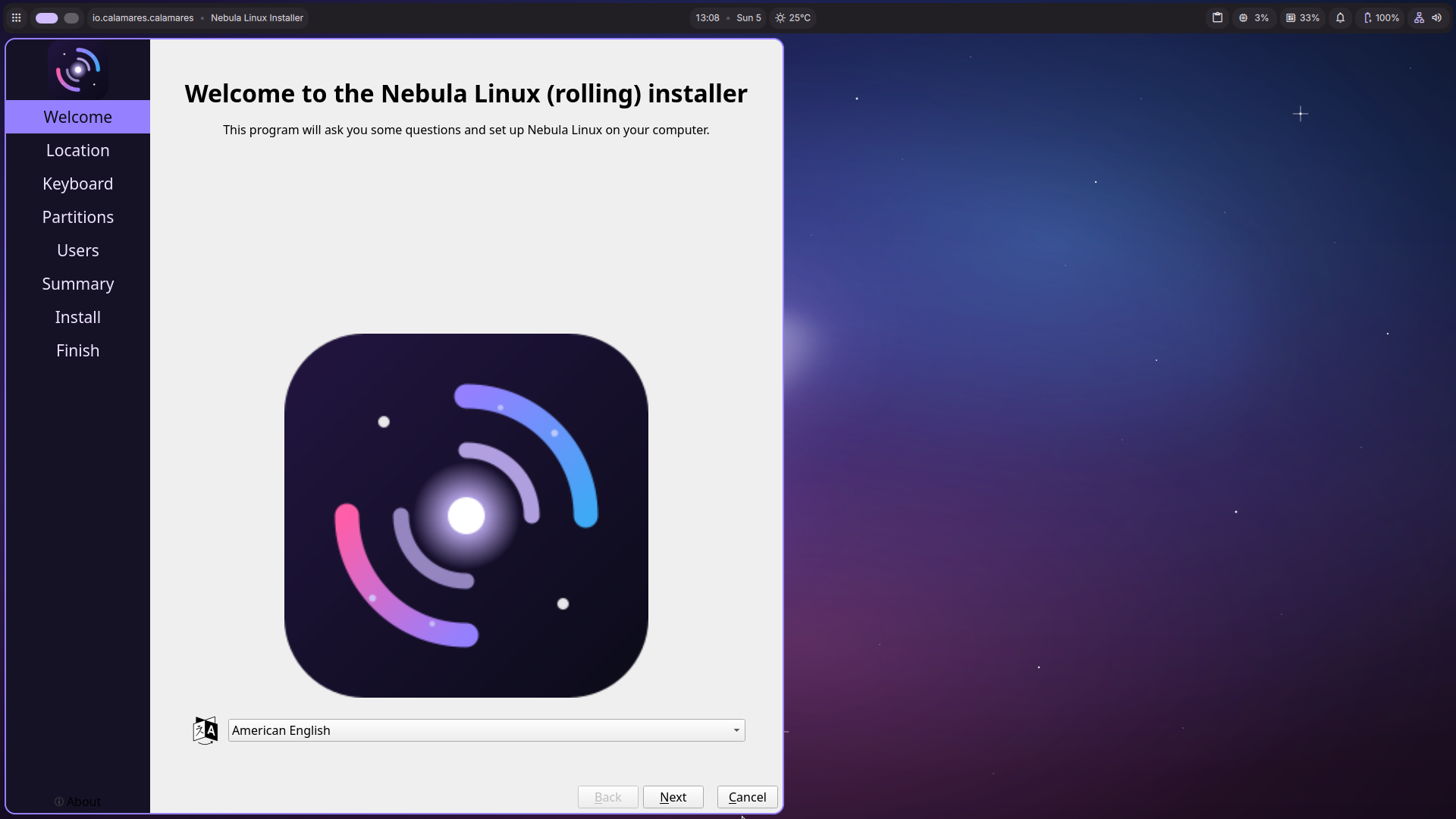
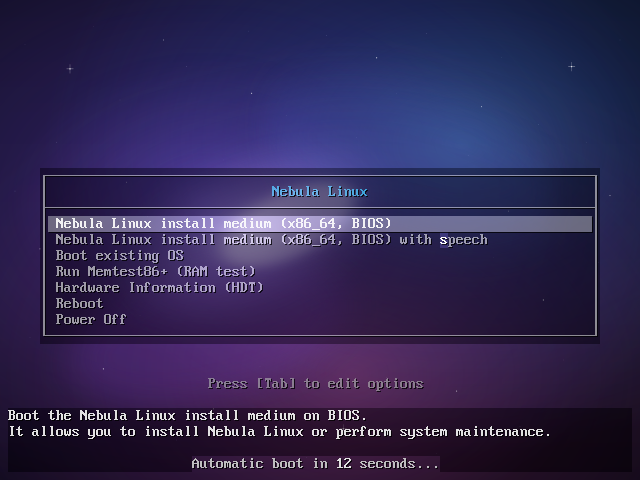
Download the `.iso` file and use a tool like Rufus (Windows) or BalenaEtcher (Mac/Linux) to flash it to a USB drive. Boot your computer from the USB drive, and follow the Calamares installer!
Is this ready for daily use?
Nebula Linux is currently in an Alpha stage of development. While it is fully functional and incredibly fast, you may encounter bugs. We recommend testing it in a Virtual Machine (like VirtualBox) or on a secondary computer first.